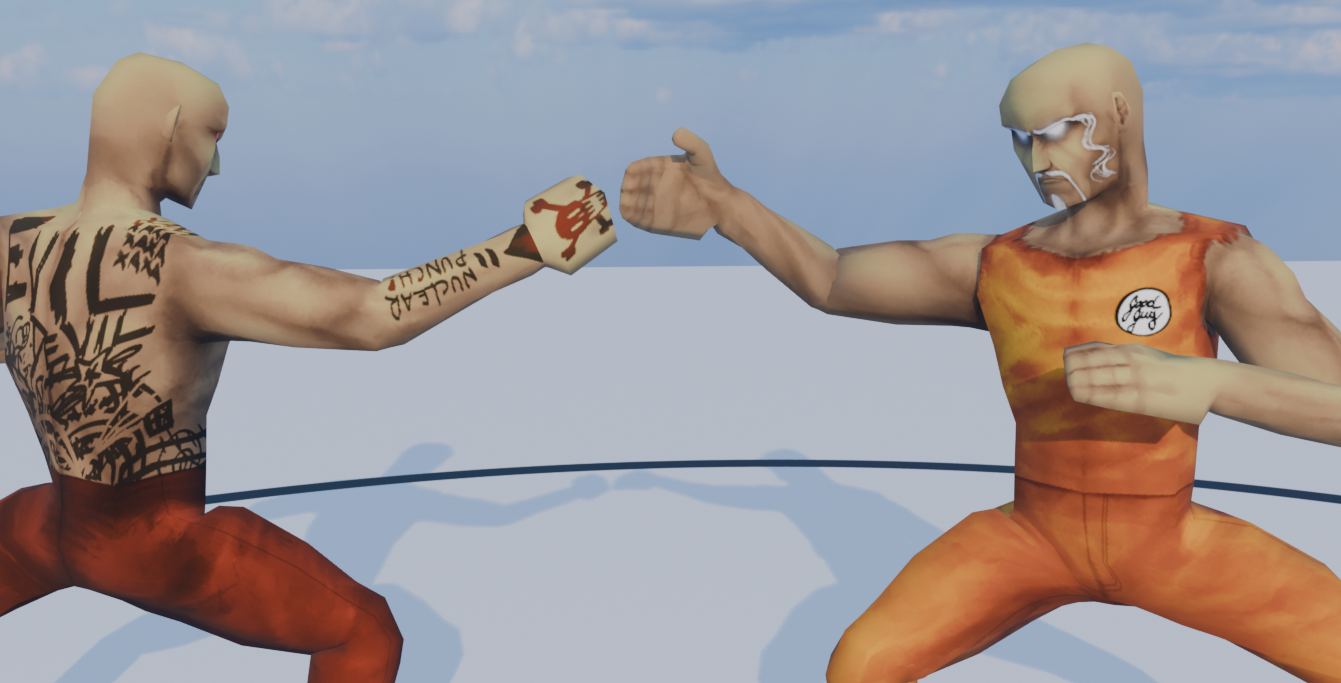
Short Animation: Fighters
Design process of an Animated Fighting scene
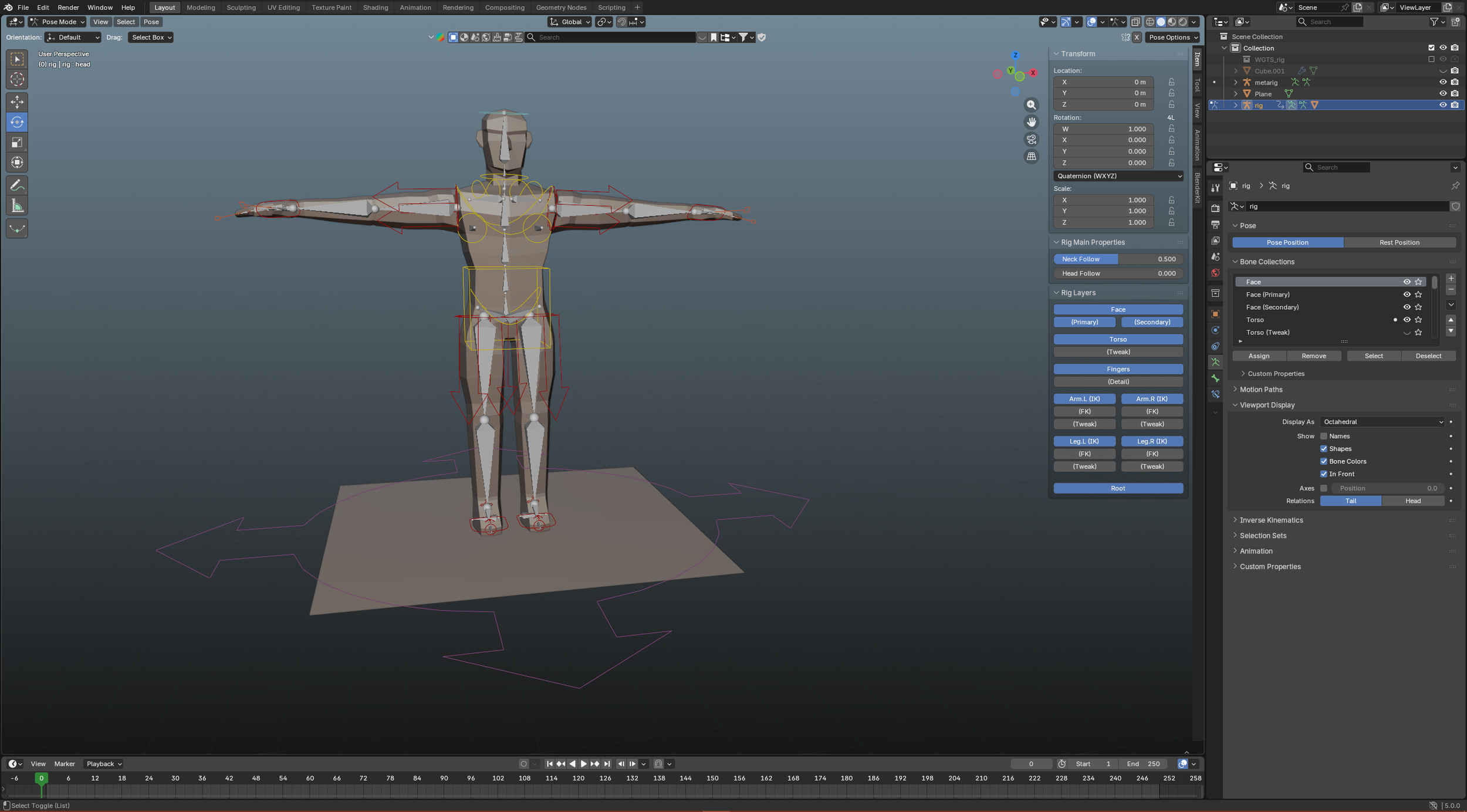
This project was an endeavor into combining the animation skills I had gathered over the past few years. A simple scene involving two fighters clashing briefly. I wanted to mimic a video game style, since it is a personal interest of mine. This project also provided many new insights into how to improve my animation workflow. I was still new to Rigify, an extension that Blender offers, but by the end I was very comfortable with operating a humanoid Inverse Kinematics rig.
It’s complex to create a model for a character that can move freely, while still maintaining a good figure. However, I collaborated with a skilled modeler and texture artist who was able to put together an effective model for me to utilize in the animation. With our complimentary skillsets, we were able to complete this project. Pictured left is the original model, which I had just fully rigged.
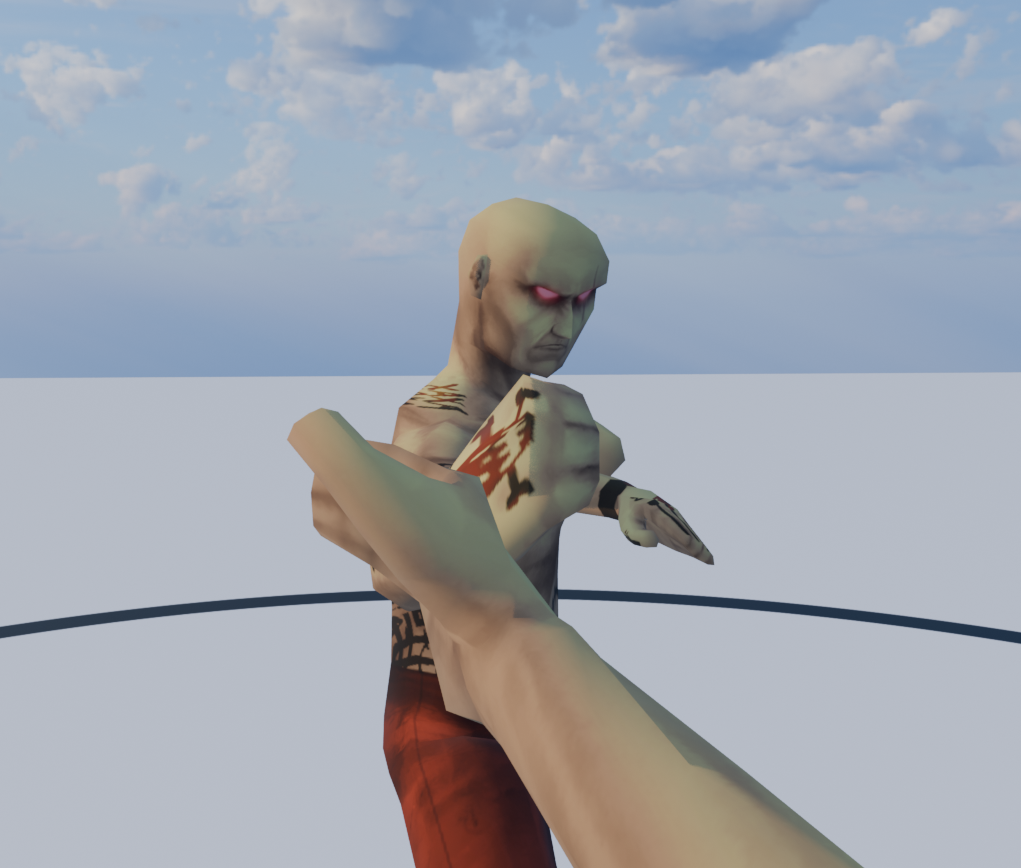
Originally, I had intended for the animation to be entirely in first person, since it would be an interesting way of presenting the media. However, there was a challenging aspect to this approach. First, it doesn’t showcase the actual animation work. What I mean by this is that the entire body is out of view for the entire duration. This is understandably not a good way to present motions of a character, since I wanted the viewer to see the movement more clearly. This led to me switching to a more traditional action scene.
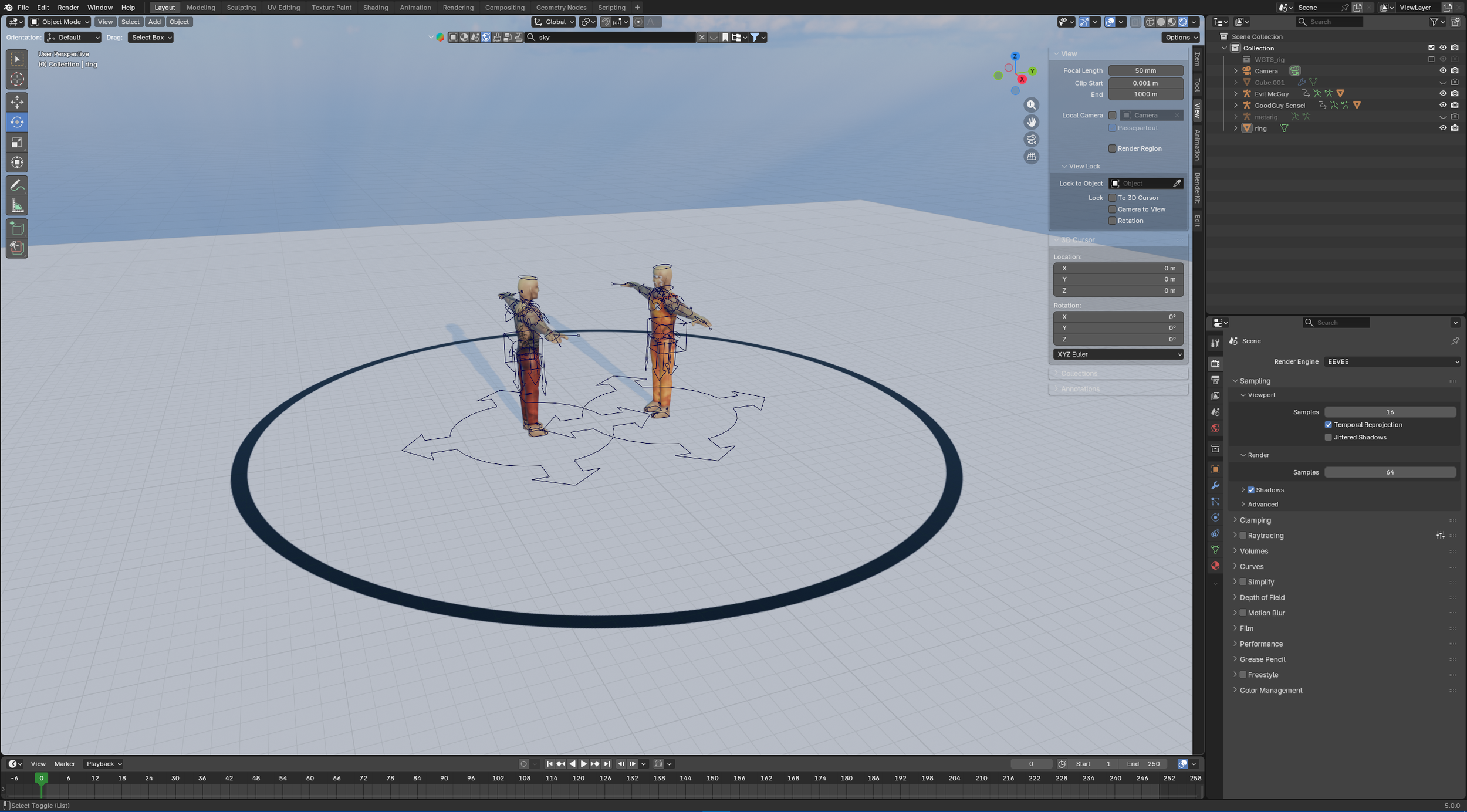
With the models and rigging done, work on the scene progressed further. This included things like adding PBR, lighting, and the stage. Ultimately, a simple scene was chosen to help lower render times. The deliberate simplicity also helped draw the attention of viewers to the fighters themselves, and made them stand out much more. Making a high quality animation with human rigs takes a long time, and there are many moving parts that need to be accounted for. Keeping all of that in mind while also trying to make motion look believable is critical, and constant revision is a normal part of the process. After the final render is made, it is put into an editing software. I also made sound design for the scene, which is an important part of making animation feel more real.
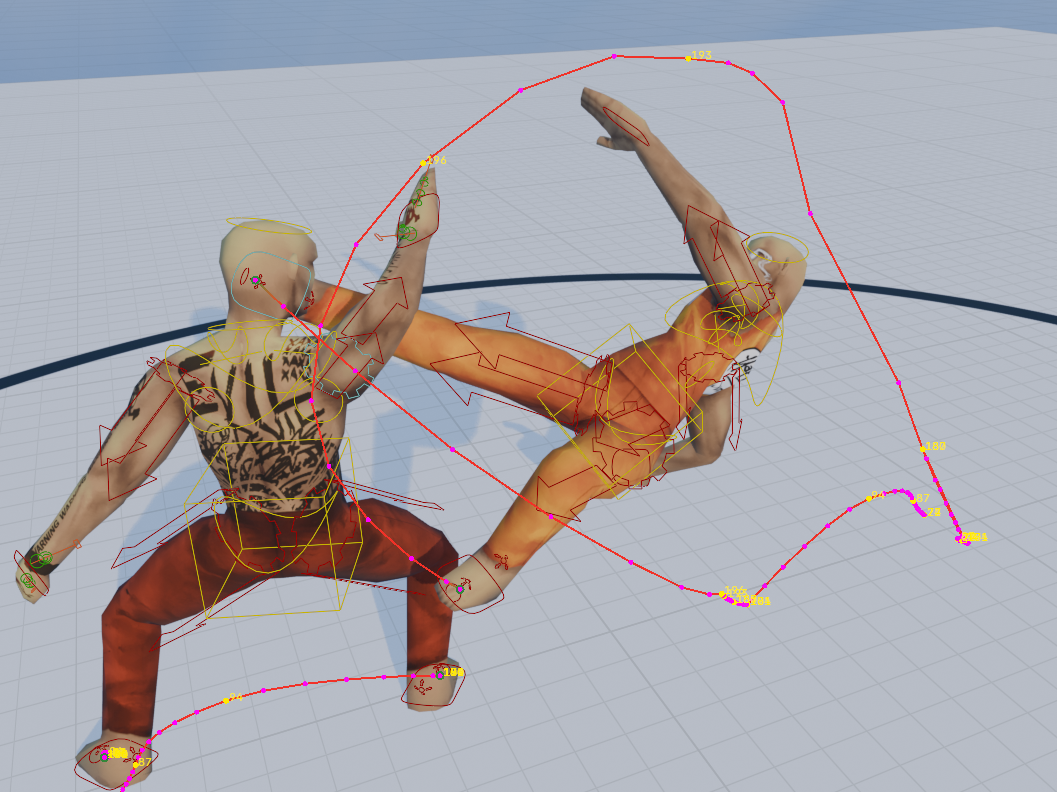
Making use of all the tools available to complete a piece of animation is crucial to ensuring that it appears both realistic and visually interesting. One such tool is the use of motion paths, which map the path that a bone takes through 3D space and displays it for the animator to see. Arcs of motion are put on full display.